Prepare
Choose files before you upload
A good share starts before the upload button. Remove duplicates, put the clearest image first, and split unrelated groups into separate links.
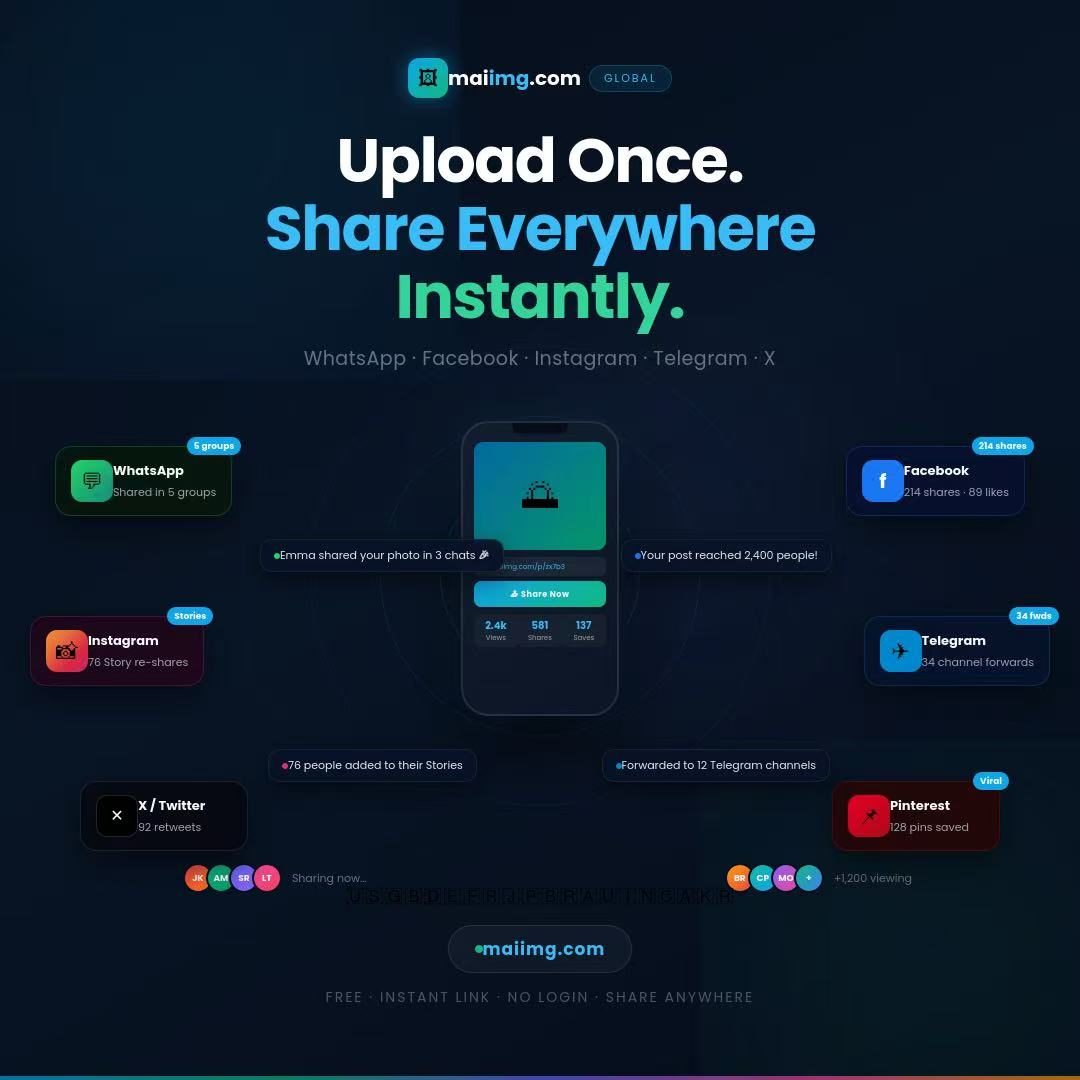
Upload images to MaiIMG when you need one clean shareable link instead of a pile of attachments. The result gives you a direct image URL, a matching QR code, and simple controls for expiry, view limits, and revoke.
Know whether the link is for review, handoff, a group, or a quick question.
MaiIMG supports up to 25 files per share, but fewer clear files often work better.
Choose view limits and expiry before the link starts moving around.
For searches like upload image and get link or upload images online, the useful answer is not only storage. It is a clean path from selected files to one link people can open without installing anything.
Rename or order files before uploading when the sequence matters.
Send one link instead of scattered attachments.
Use expiry or revoke when the share has done its job.
Use MaiIMG to upload up to 25 image files, turn them into one shareable URL, and add a QR code from the same share. Set limits before sending so the link does not stay open longer than needed.
A good share starts before the upload button. Remove duplicates, put the clearest image first, and split unrelated groups into separate links.
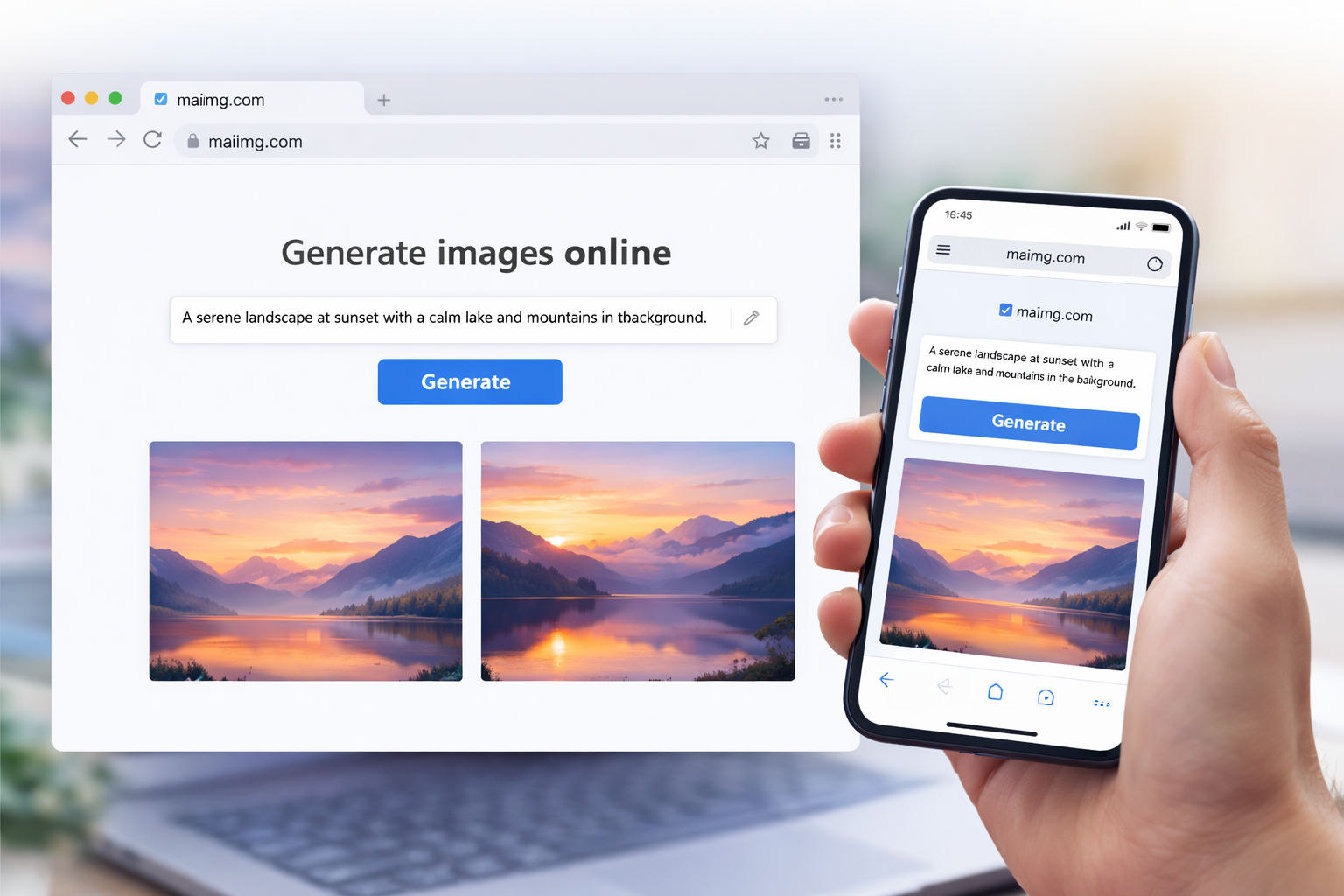
After upload, use the direct link for chat or email and the QR code for in-person or printed access. Both point to the same share.
For personal or temporary shares, set an expiry or view limit. If the audience or context changes, revoke the link and create a cleaner share.
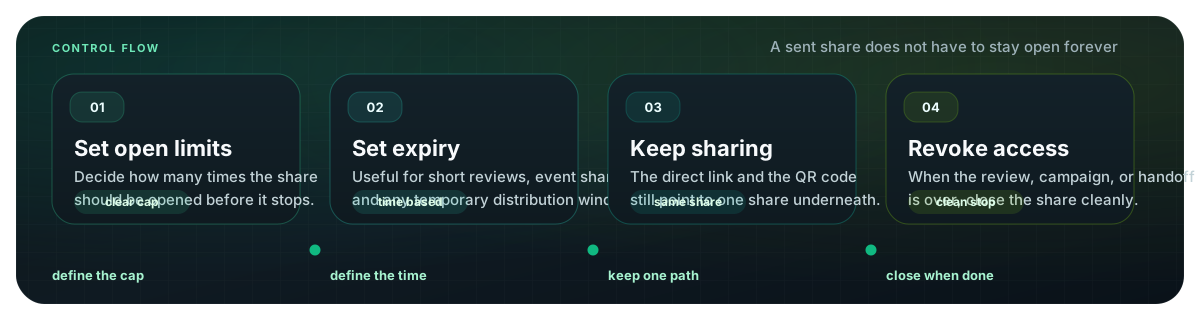
Create a focused image share, use the generated link and QR code, and close access when the share is finished.
Upload images and get link