Family sharing

Share Family Photos Online with a QR Code Photo Album

Family sharing gets messy when everyone uses a different app. MaiIMG turns a small family photo set into one browser link and one QR code, so relatives can scan, open, and view without installing anything.

No app install Good for relatives Link + QR together
01

One set, not ten forwards

Pick the photos people actually want to see and put them in one focused share.

02

Scan instead of typing

Older relatives do not need to copy a long URL. They scan the code and tap once.

03

Close it after the occasion

Use an expiry or revoke the link when the gathering, album, or handoff is finished.

The family photo QR flow

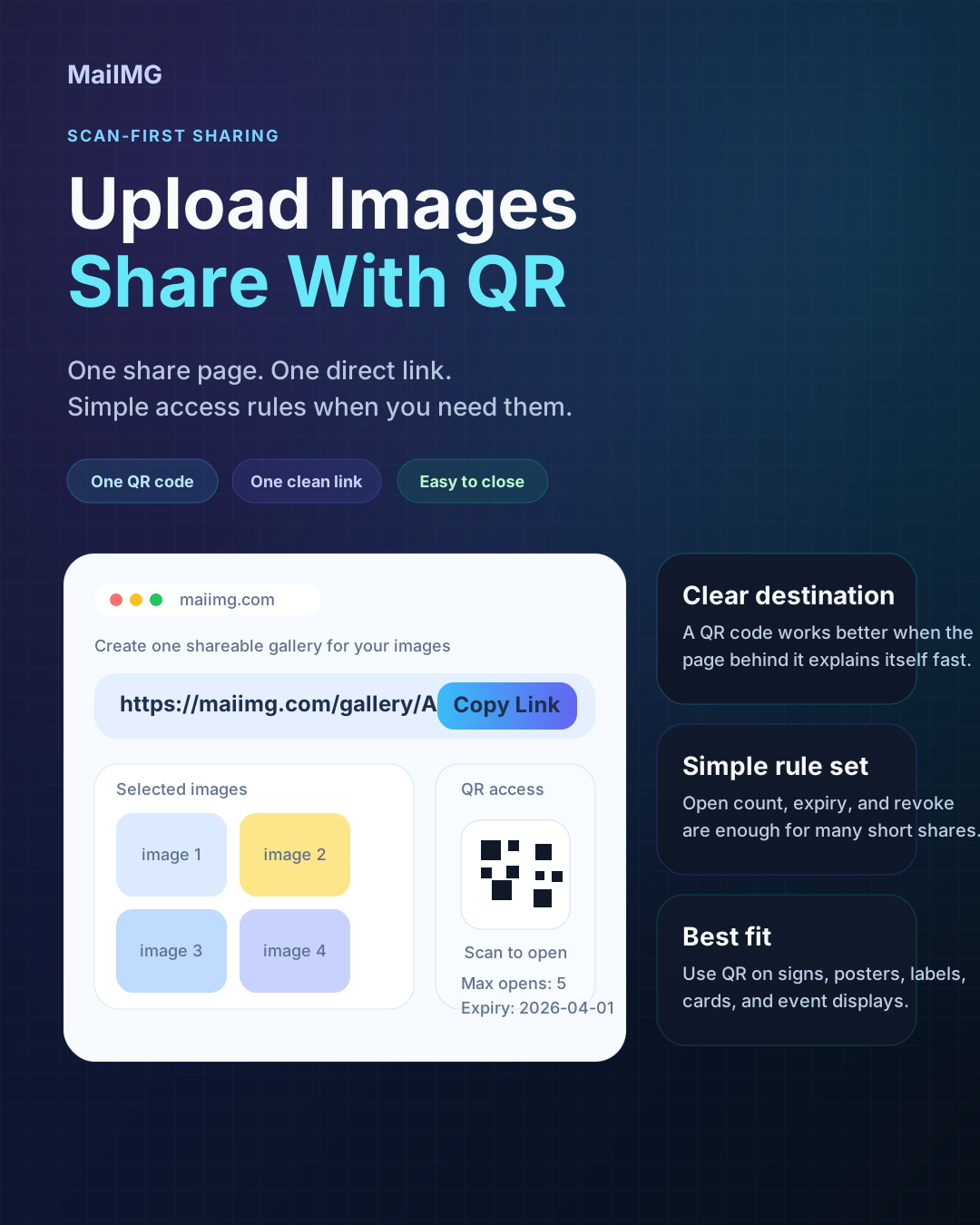
For searches like share family photos online or QR code photo album, the simple answer is one share underneath: a direct link for chat and a QR code for in-person scanning.

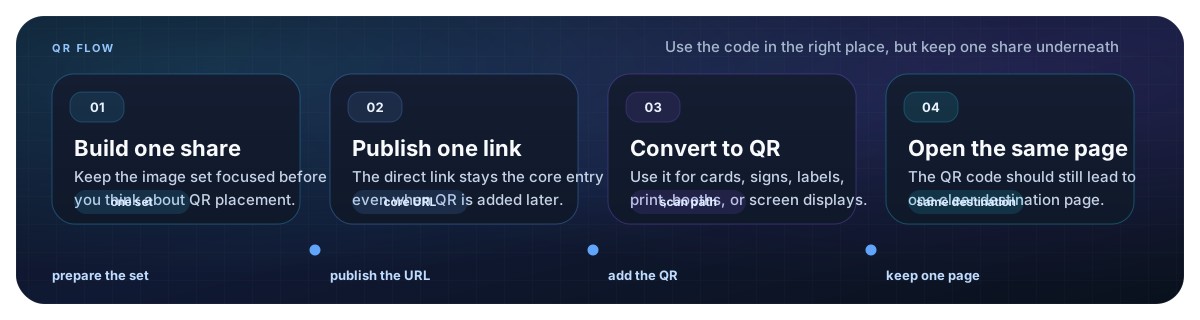
Step 1 · Pick the set

Keep it small: reunion highlights, holiday moments, a birthday batch, or photos for grandparents. One share supports up to 25 files.

Step 2 · Generate link + QR

MaiIMG gives you a direct link and a QR code from the same share, so the family can open it either way.

Step 3 · Show, print, or send

Show the QR on your phone, print it on a small card, or send the image in the family group chat.

Create a family photo link and QR code

Upload up to 25 family photos, generate one shareable link, and use the matching QR code for relatives who are together in person. The link and QR follow the same expiry and revoke settings.

Create family photo QR
  • Browser viewing, no app install
  • One link for the family group
  • QR code for reunions and cards

Where this works especially well

Gatherings

One QR code at the table

At birthdays, reunions, or holiday dinners, one QR code on a phone or card is easier than collecting everyone's number. People scan when they are ready, and the same share works for everyone.

Simple QR card for opening a shared family photo album
Relative scanning a QR code to open family photos
Different apps

It works even when the family is split across apps

Some relatives use WhatsApp, some use SMS, some prefer email. A browser link and QR code avoid the app problem. You share one access point instead of rebuilding the album in every channel.

Controls

Set an expiry for temporary family moments

Not every family photo set needs to stay open forever. For party pictures, school moments, or travel highlights, set an expiry and close the share later so old forwards do not keep working.

Family photo sharing flow with one link and one matching QR code

Keep the share easy for everyone

FAQ

Upload a focused family photo set to MaiIMG, copy the generated link, and use the matching QR code. Relatives can open the link in chat or scan the QR code in a browser.

Use the link inside chat or email. Use the QR code when people are together in person, when you want to print a card, or when typing a URL would be annoying.

Yes. The QR code points to the same share as the direct link. If the share expires or is revoked, both stop opening the photos.

Split them into a few clear shares, such as "ceremony," "dinner," and "group shots." Smaller sets are easier for relatives to open and browse.

Yes. Create one MaiIMG share for the reunion photos, then print or show the QR code. Everyone opens the same browser album without typing a long link.

Related reads

Make a QR code photo album for the family

Upload a small family photo set, get one link and one QR code, and let everyone open the same photos without app confusion.

Create family photo QR